Safe zone templates
Free · no sign-up · runs in your browser
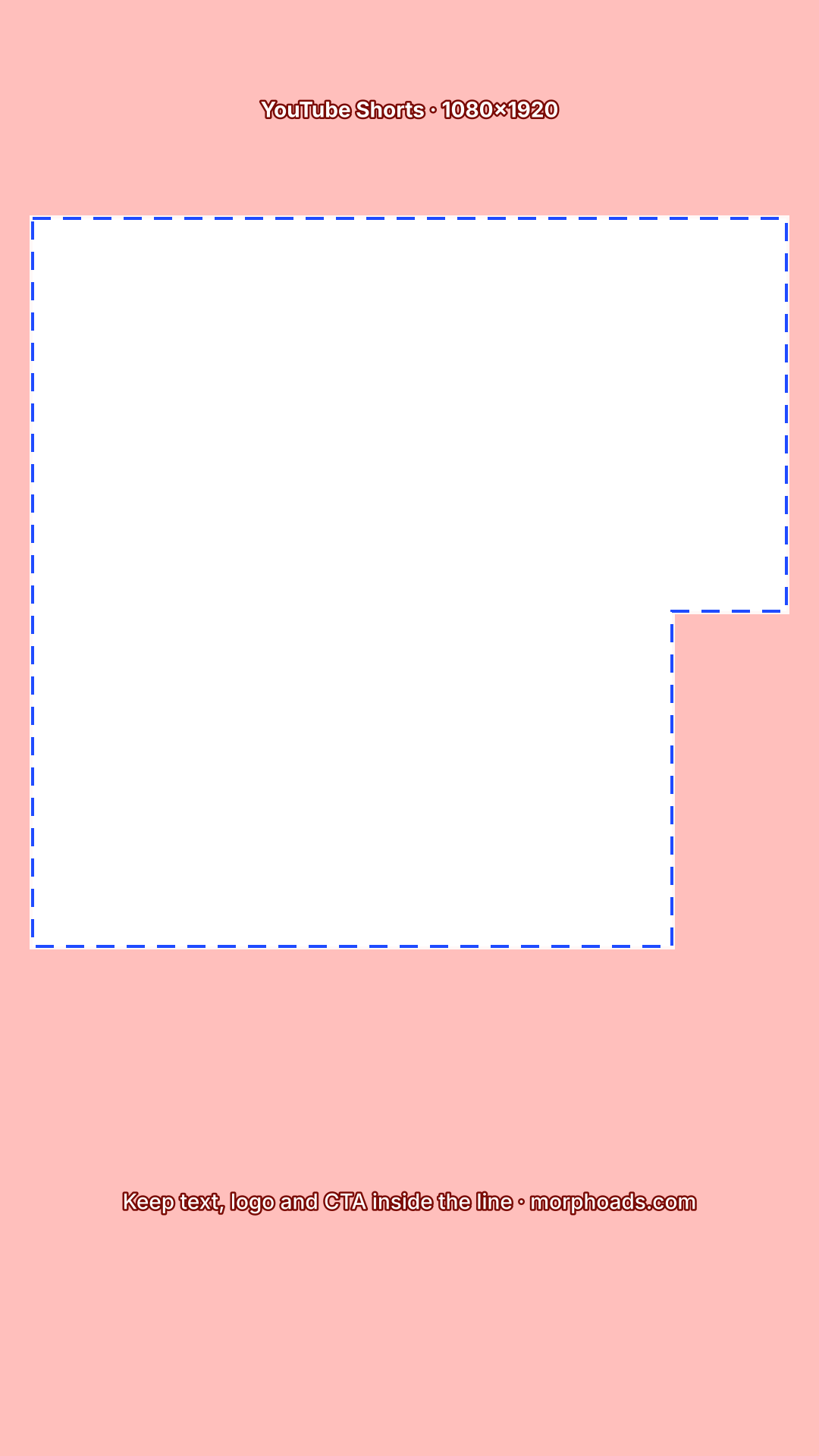
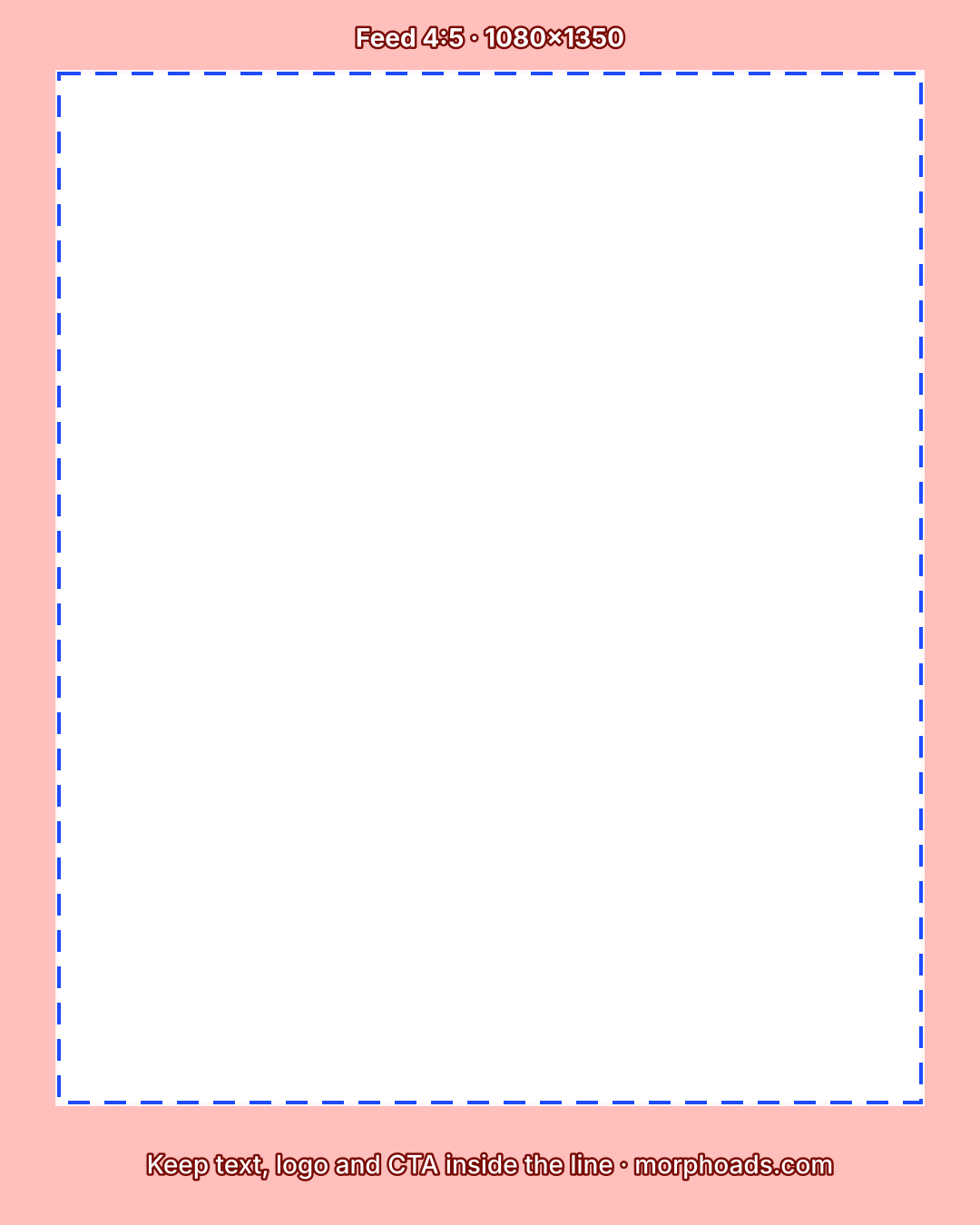
In a vertical ad the platform's own interface covers the top, the bottom and the lower right of the screen; in a feed ad, text tight to the edge can be cropped. These templates tint those areas red and outline where text is safe with a dashed line. Download them as transparent PNG or SVG and put them on top of your design in Figma, Canva, Photoshop or CapCut; keep text, logo, price and CTA inside the line, the background can run full bleed. The zones are the same ones every Morpho Ads ad is measured against: on Reels and Stories 14% at the top, 35% at the bottom and 6% at the sides; on TikTok 660 pixels at the bottom and 180 pixels on the right from 840 pixels down.
8 templates, each a transparent PNG and SVG. The red area is covered by the platform's interface; inside the dashed line is safe.
Download all (ZIP)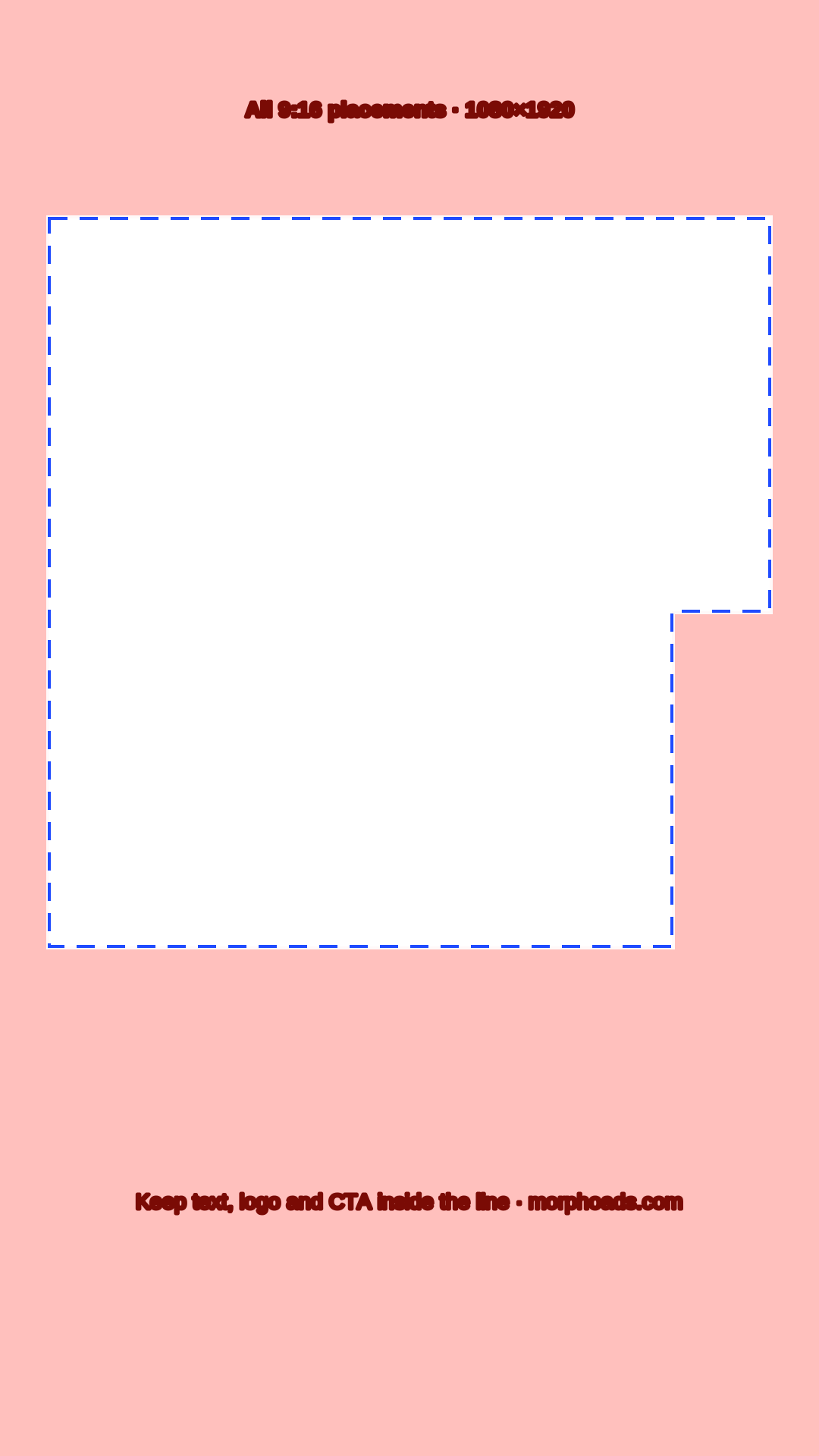
All vertical placements (9:16)
1080 × 1920 · 9:16
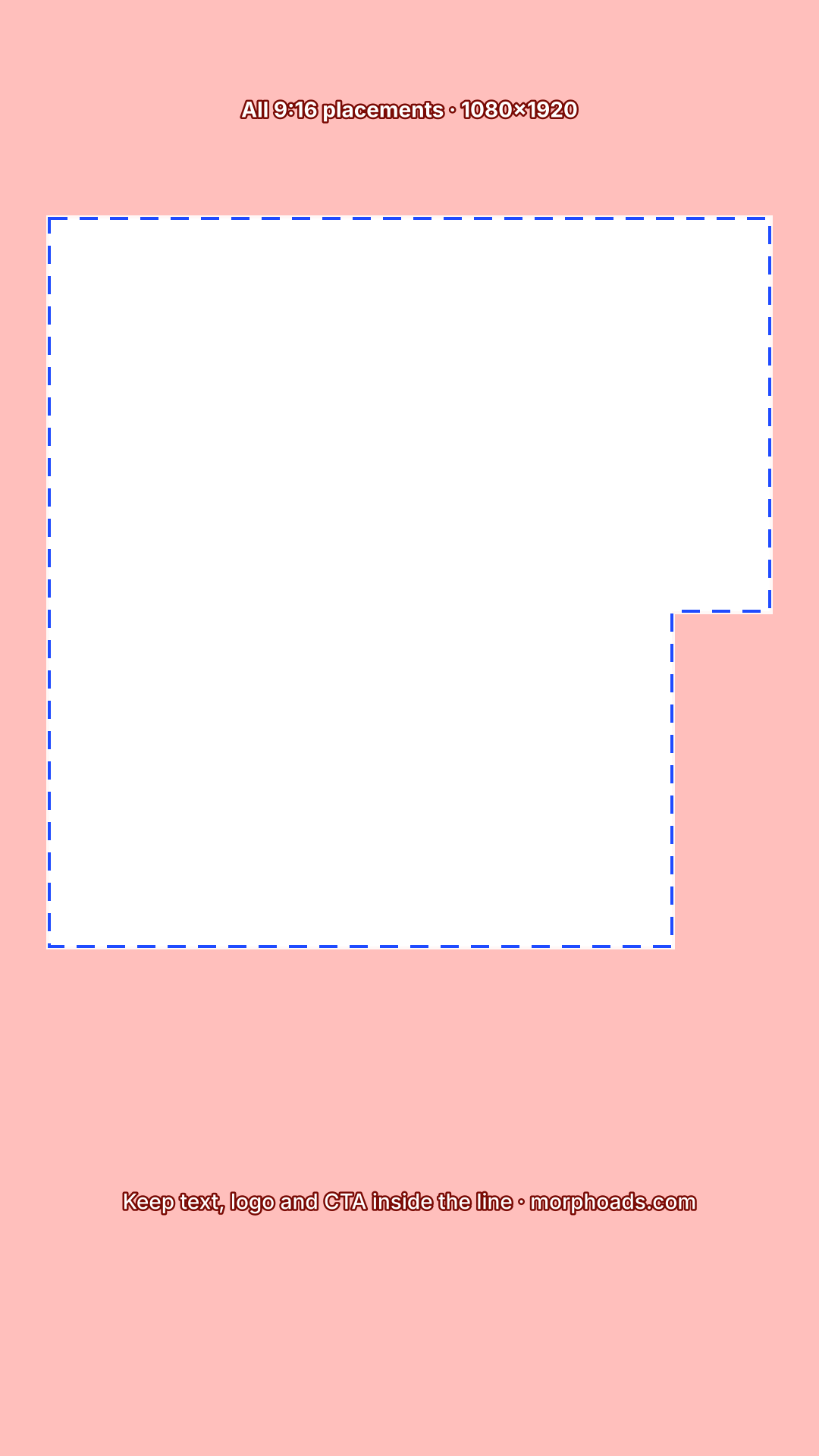
The strictest of Reels, Stories, TikTok and Shorts: inside this line shows everywhere.
Top 15% · Bottom 35% · Left 6% · Right 18%
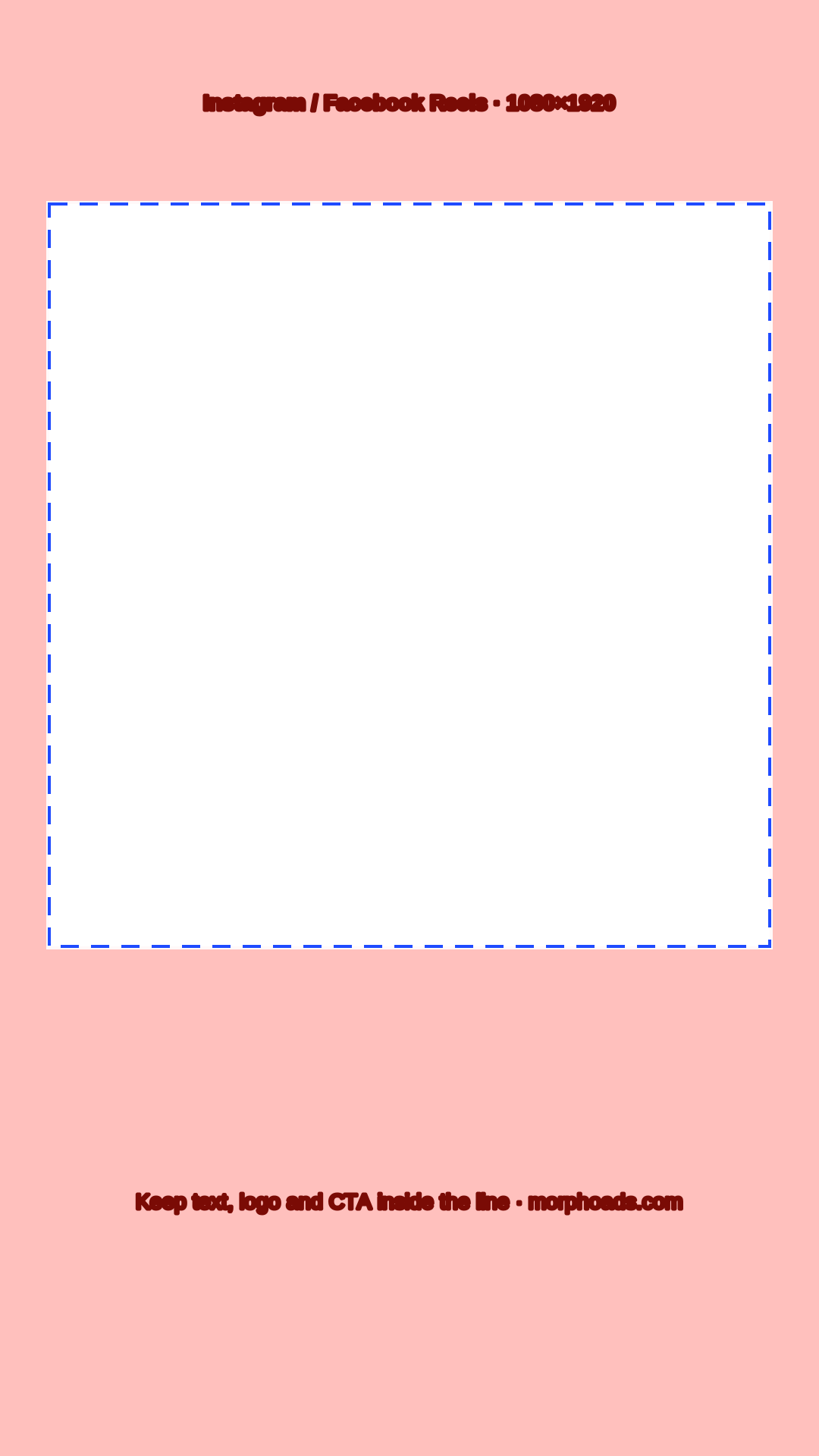
Instagram and Facebook Reels
1080 × 1920 · 9:16
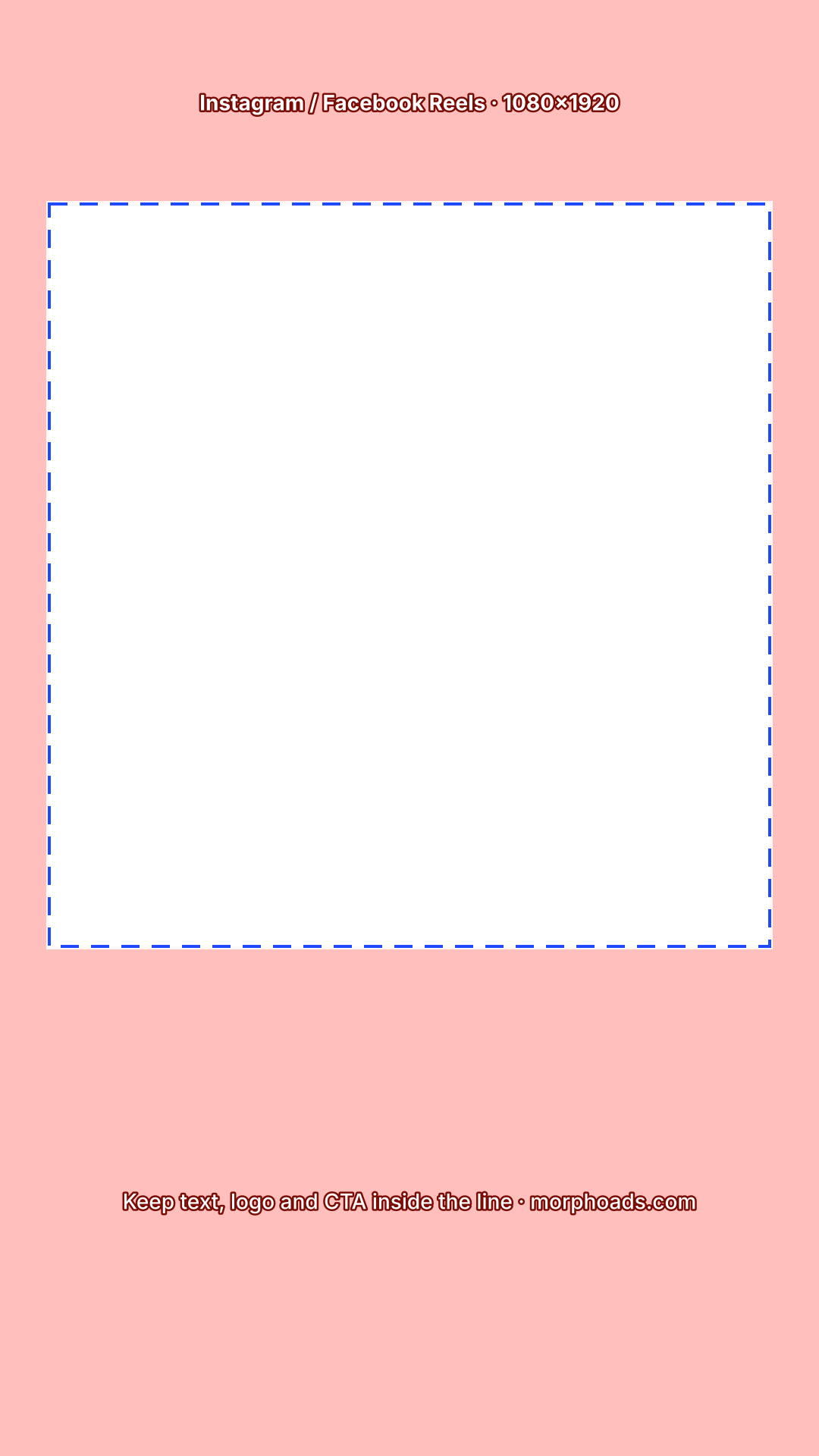
The zones from Meta's Reels ads guide.
Top 14% · Bottom 35% · Sides 6%
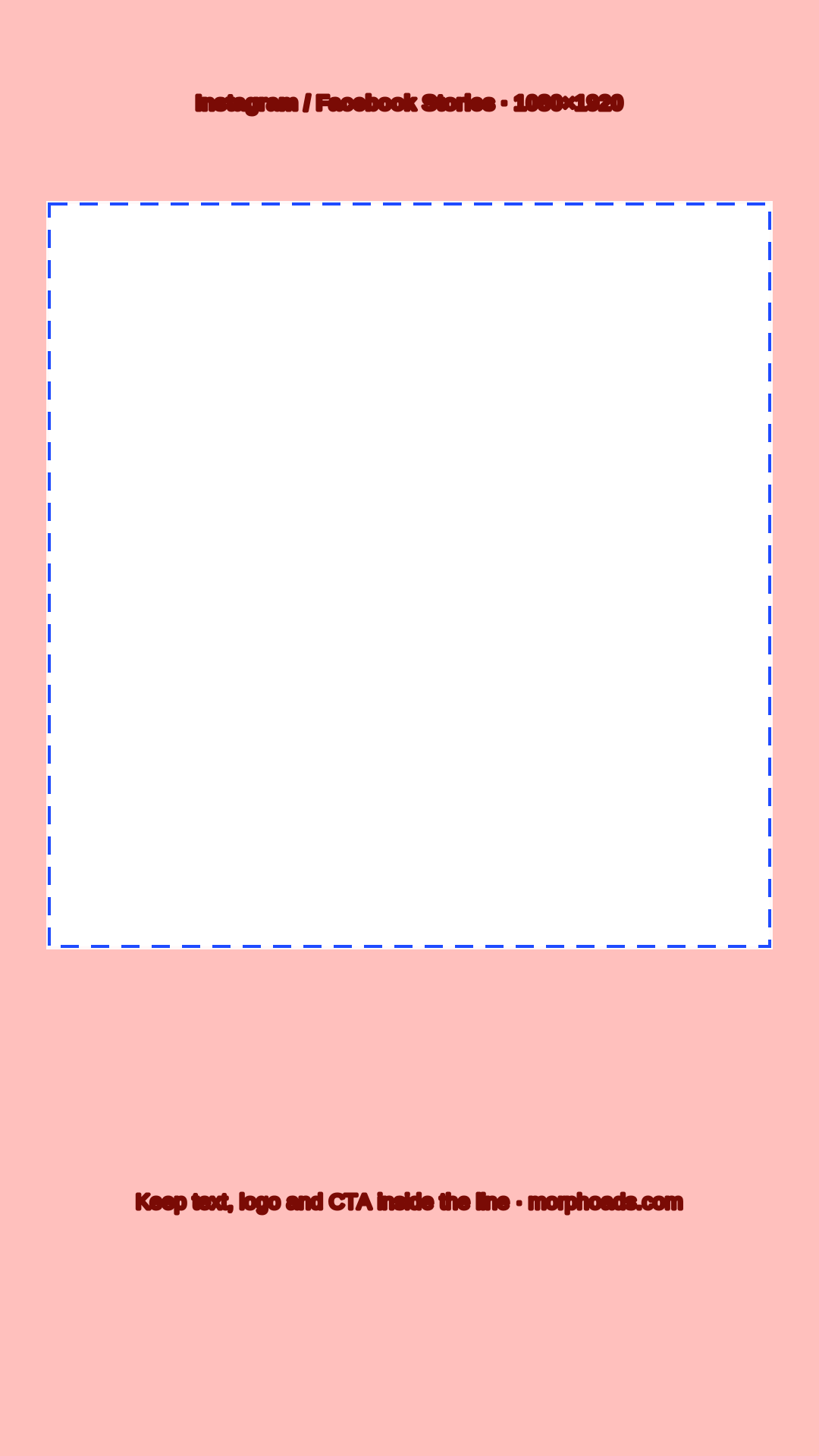
Instagram and Facebook Stories
1080 × 1920 · 9:16
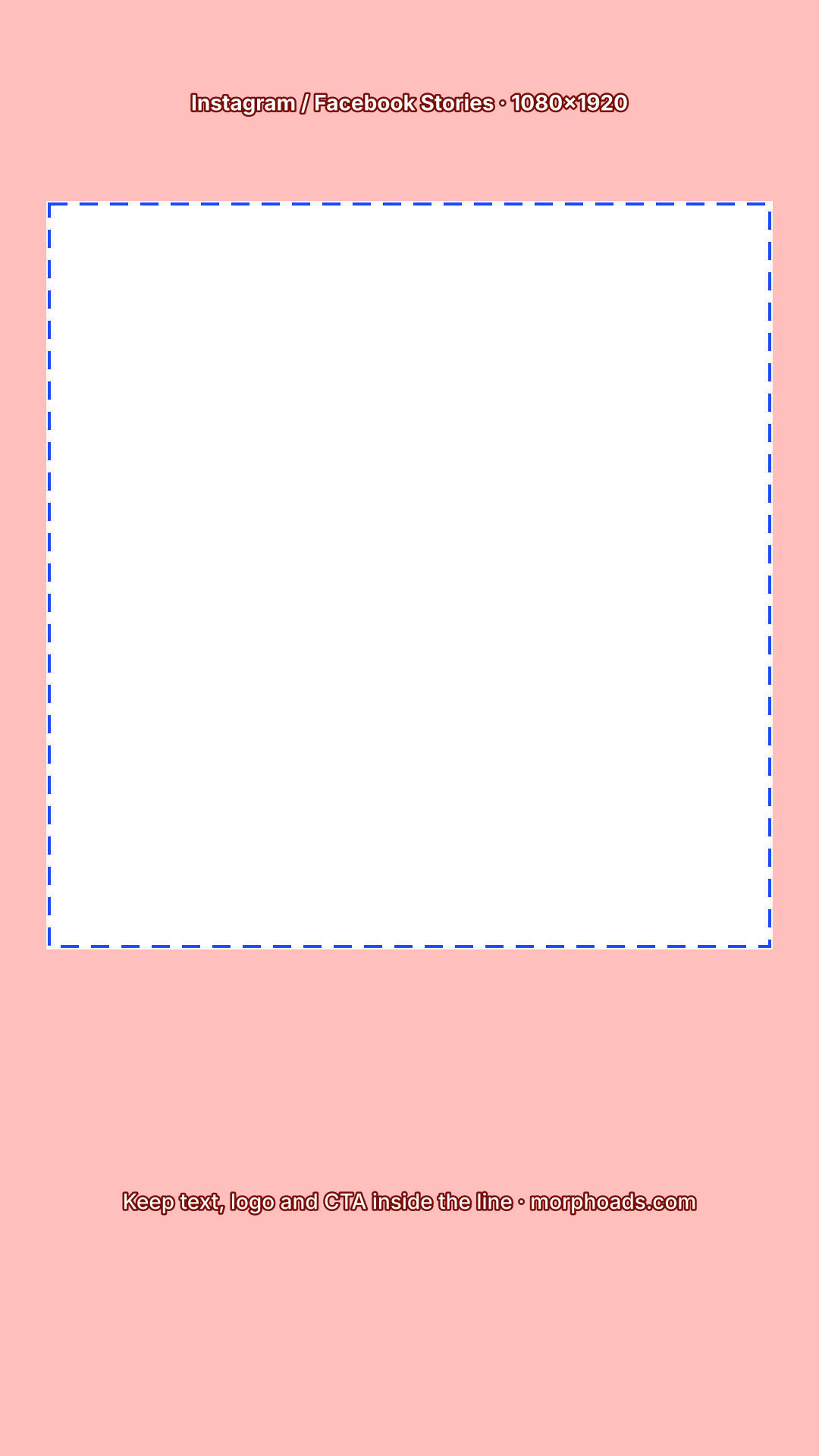
The zones from Meta's Stories ads guide.
Top 14% · Bottom 35% · Sides 6%
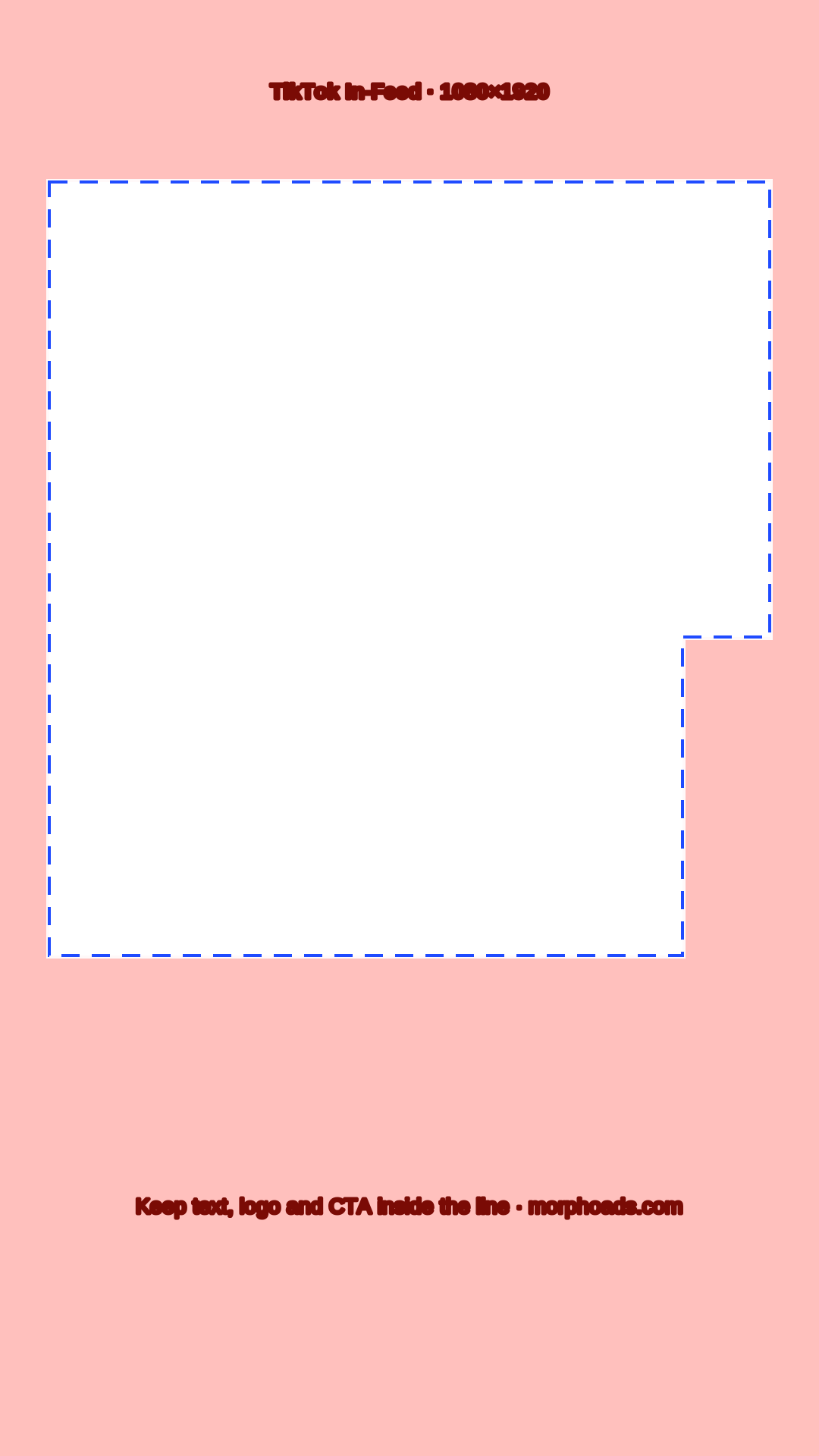
TikTok
1080 × 1920 · 9:16
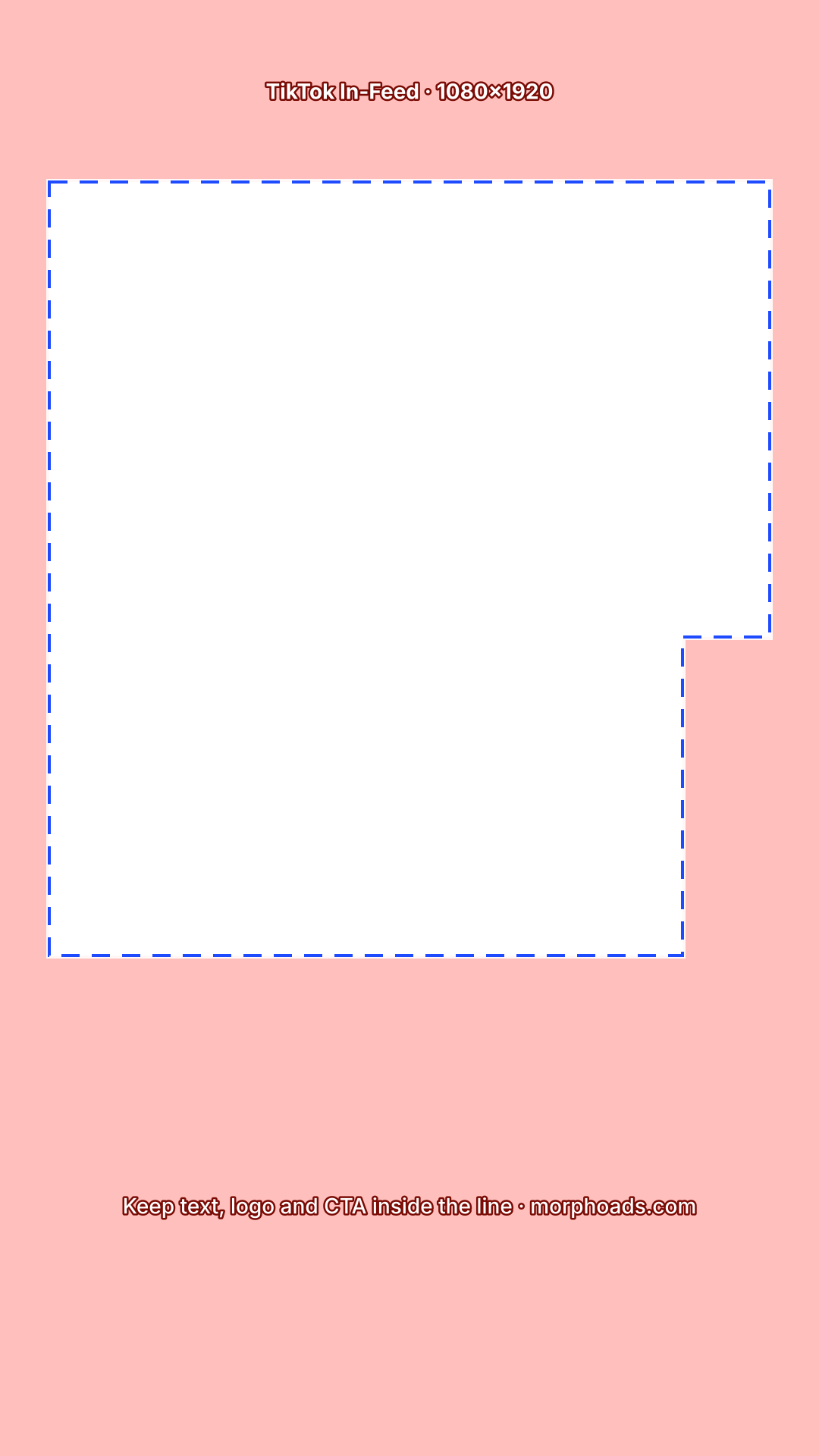
TikTok's In-Feed ads safe zone file, scaled to 1080 × 1920.
Top 12.5% · Bottom 34.4% · Left 6% · Right 16.7%
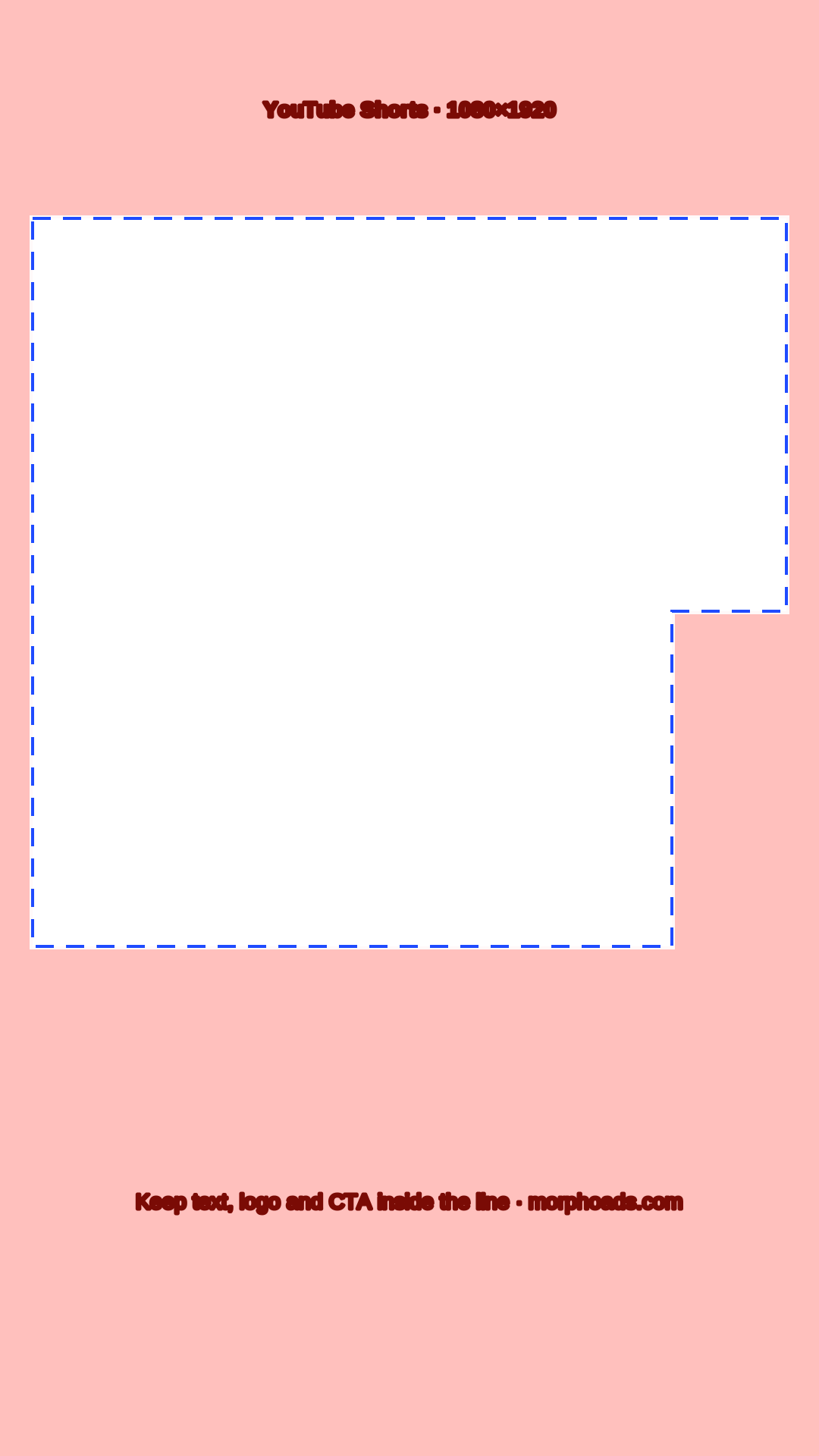
YouTube Shorts
1080 × 1920 · 9:16
From Google's safe zone guide for ads on Shorts.
Top 15% · Bottom 35% · Left 4% · Right 18%
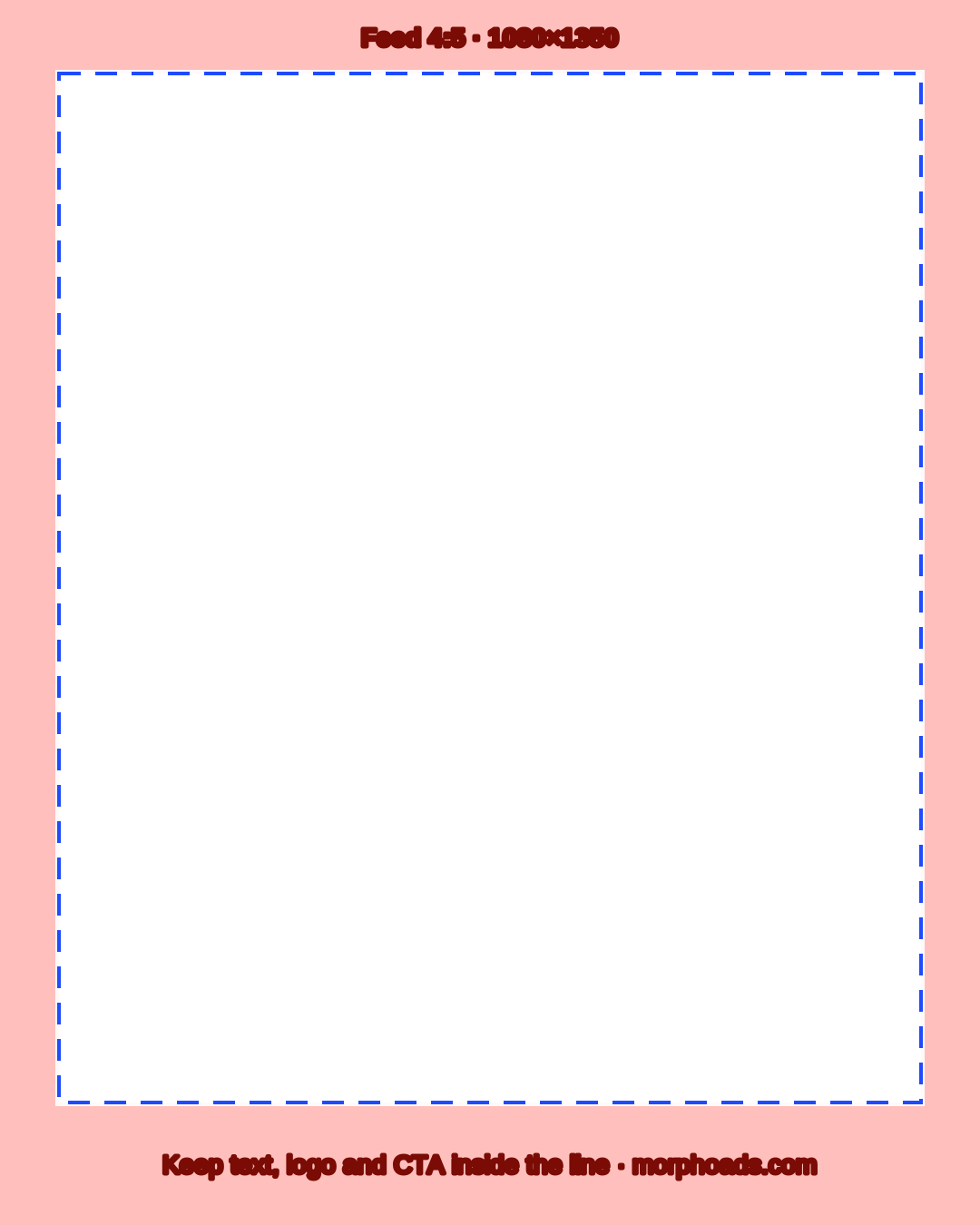
Feed 4:5
1080 × 1350 · 4:5
Instagram and Facebook feed: a margin off the edges and the feed's crop.
Top 6% · Bottom 10% · Sides 6%
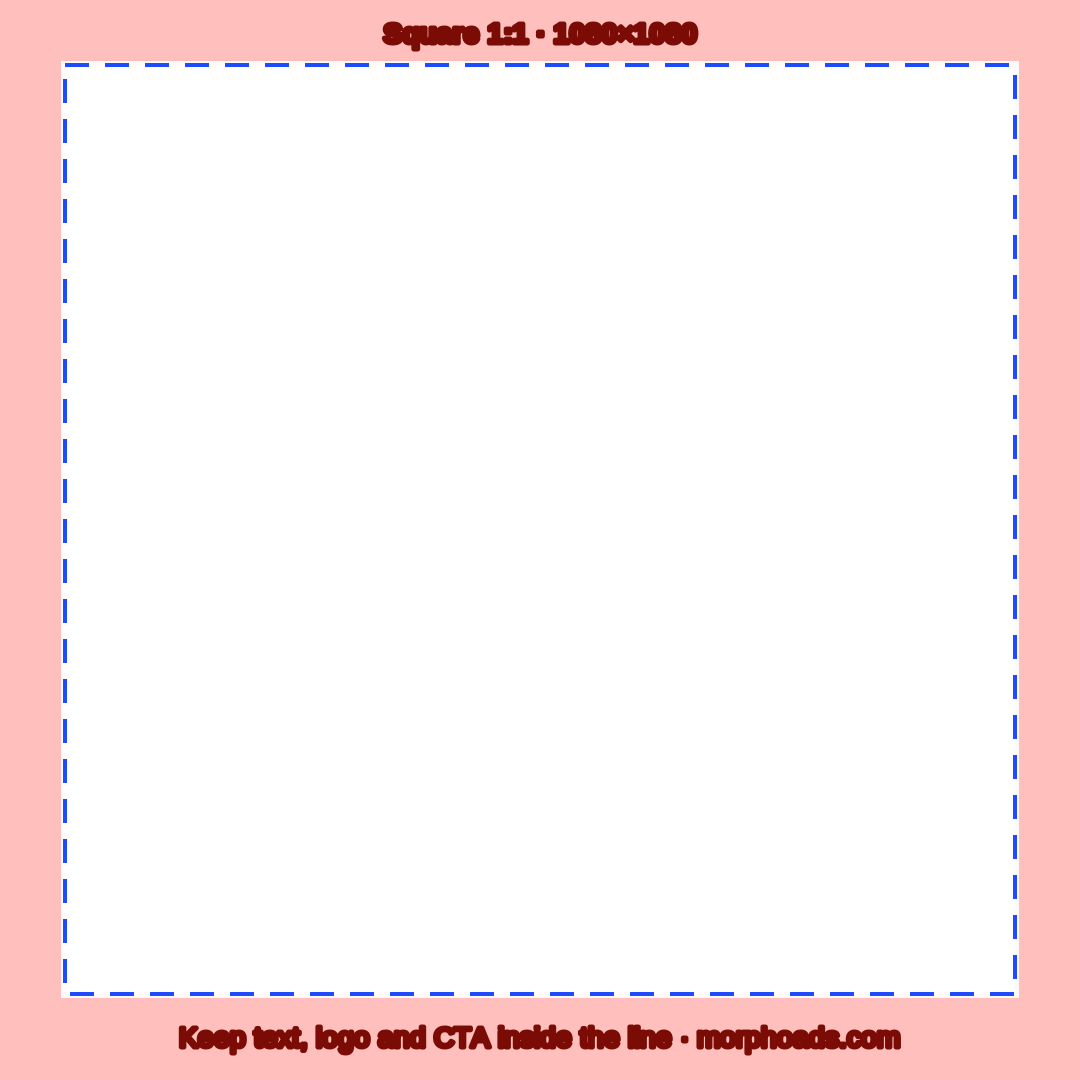
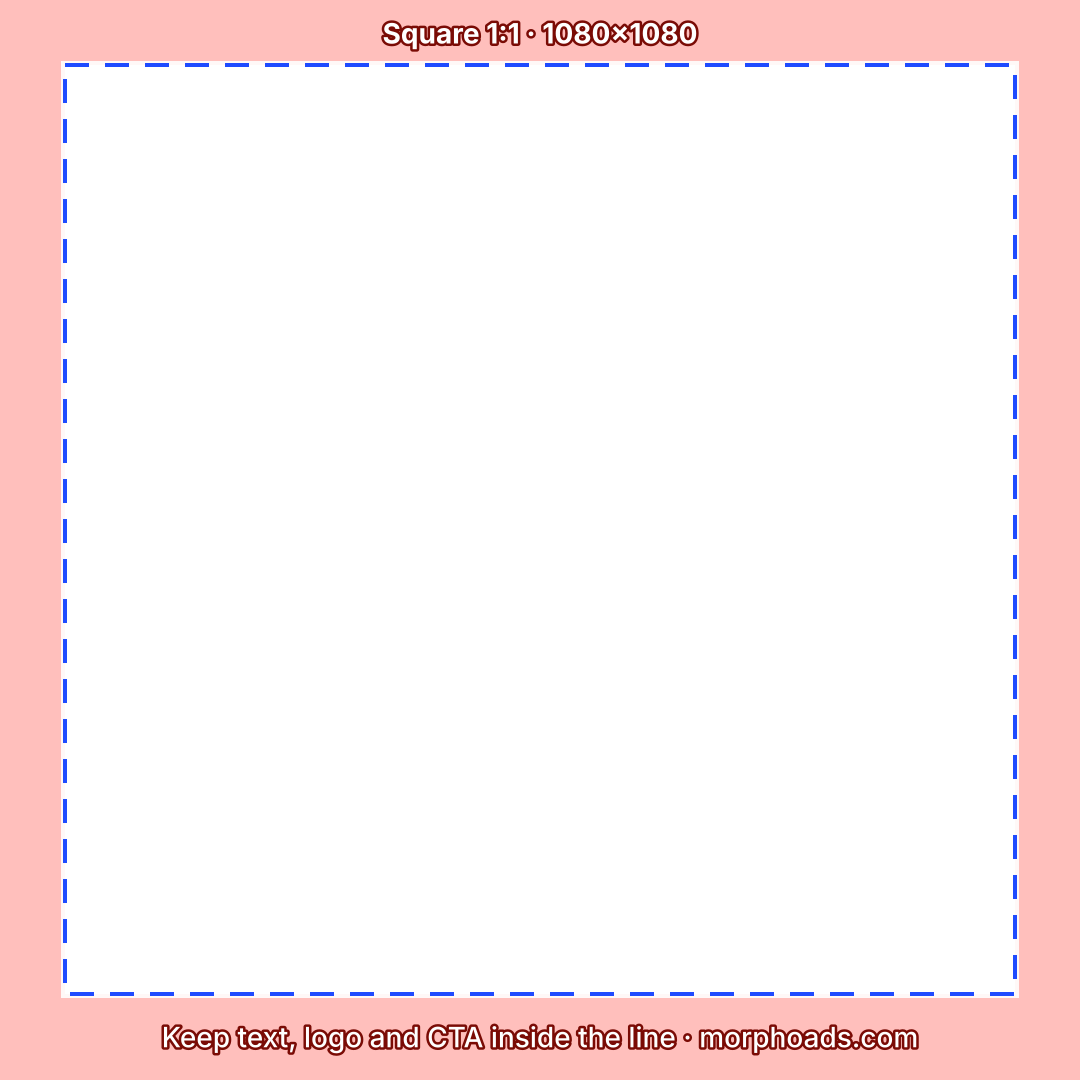
Square 1:1
1080 × 1080 · 1:1
Square feed ads and carousel cards.
Top 6% · Bottom 8% · Sides 6%
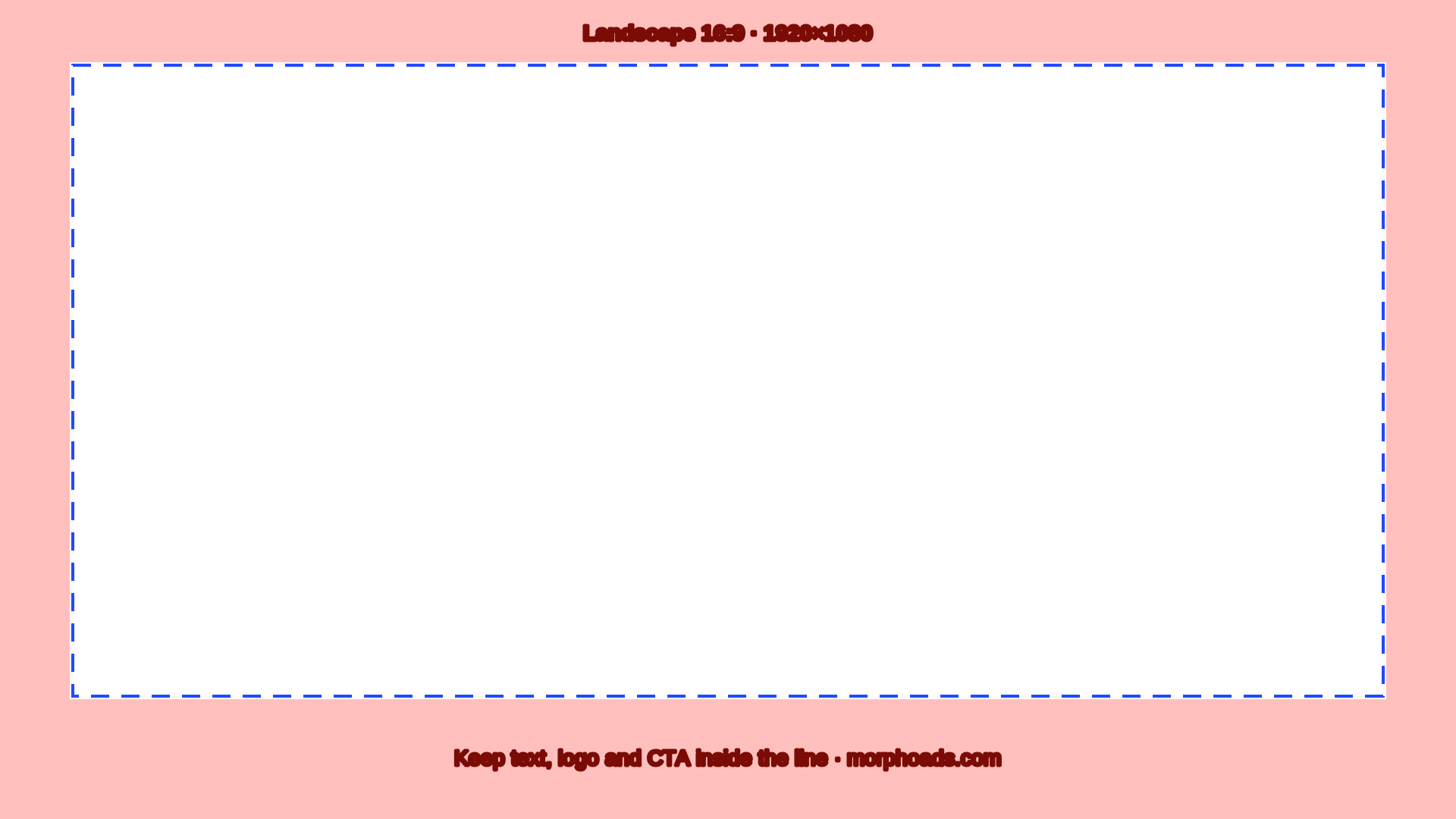
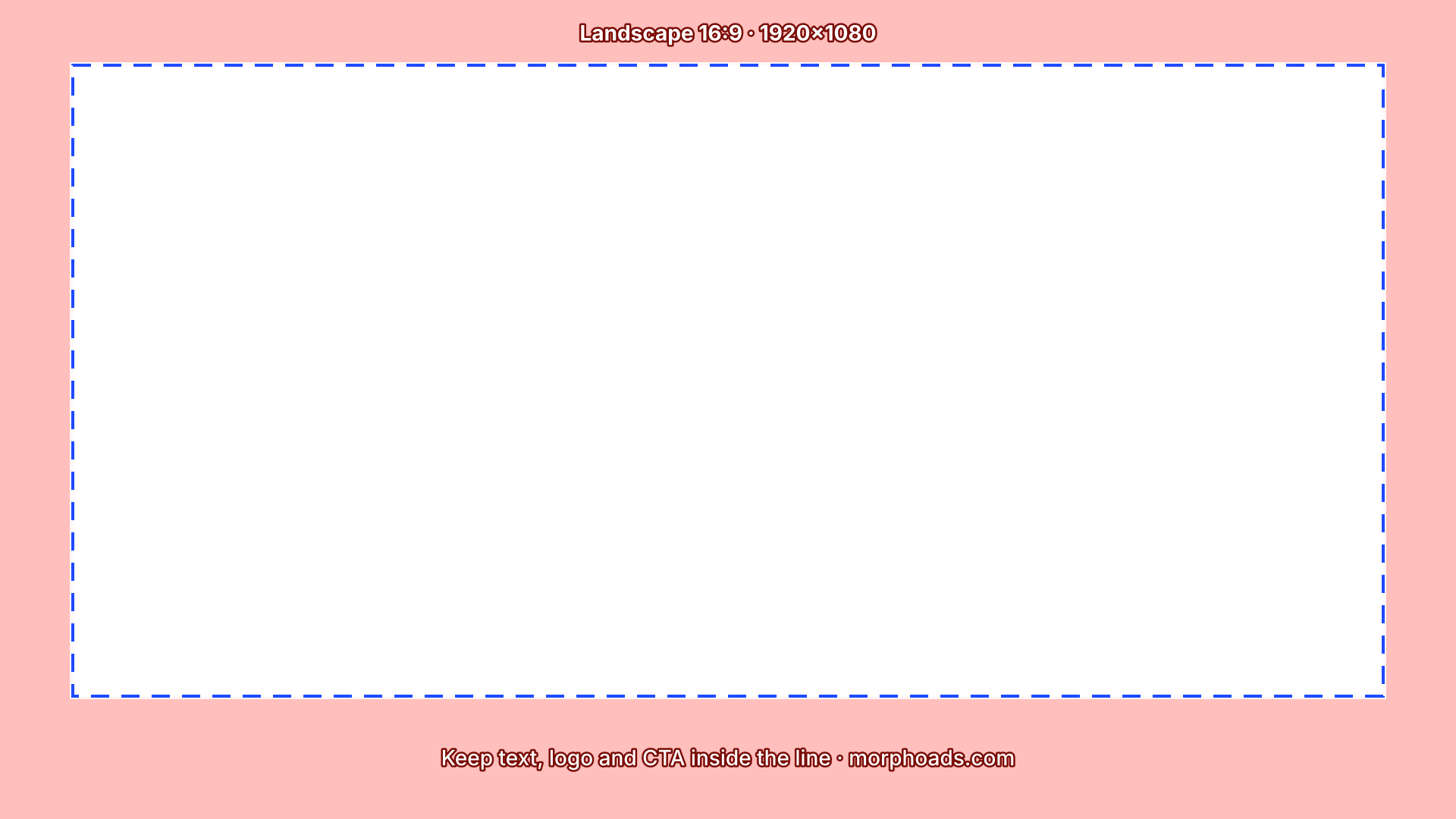
Landscape 16:9
1920 × 1080 · 16:9
YouTube video ads: the ad bar, CTA and skip button at the bottom stay clear.
Top 8% · Bottom 15% · Sides 5%
The templates are free for personal and commercial work, and you can share them. The zones come from the platforms' official guides and are approximate; the interface can grow with a long caption and some ad extensions.
How to use it
- 1
Pick the template for where the ad will run. If it runs in several places, use "All vertical placements": it's the strictest.
- 2
Download PNG (opens anywhere) or SVG (stays sharp in Figma and Illustrator); get the ZIP for all of them.
- 3
Put the template on the top layer of your design at the canvas size (1080 × 1920, 1080 × 1350, 1080 × 1080 or 1920 × 1080).
- 4
Move text, logo and button inside the dashed line; hide or delete the template layer before you export.
How to use them in Figma and Canva
Figma
- Drag the SVG into Figma; it comes in as a layer at its own size.
- Size it to your frame, align the top left corner to 0,0 and lock the layer.
- When the design is done, hide the template layer and export.
Canva
- Open a design at the right size (e.g. Instagram Reel 1080 × 1920).
- Upload the PNG under "Uploads", add it to the page, use "Fit to page", bring it to the front and lock it.
- When you're done, delete the template or set its transparency to 0, then download.
Want to check a finished image or video? Open the safe zone checker
Safe zone sizes by placement
The covered bands as a share of the screen and in pixels at 1080 × 1920. Tools that publish these numbers disagree (bottom margins from 250 to 670 px); the ones here come from Meta's and TikTok's own guides and are approximate. The interface can grow with a long caption and some ad add-ons.
| Placement | Top | Bottom | Left | Right |
|---|---|---|---|---|
| Instagram Reels | 14% · 269 px | 35% · 672 px | 6% · 65 px | 6% · 65 px |
| Instagram Stories | 14% · 269 px | 35% · 672 px | 6% · 65 px | 6% · 65 px |
| Facebook Reels | 14% · 269 px | 35% · 672 px | 6% · 65 px | 6% · 65 px |
| TikTok | 12.5% · 240 px | 34.4% · 660 px | 6% · 65 px | 16.7% · 180 pxonly below 840 px (the button column); above it, the same as the left |
| All at once | 14% · 269 px | 35% · 672 px | 6% · 65 px | 16.7% · 180 pxonly below 840 px (the button column); above it, the same as the left |
Sizes come from the platforms' official guides (last checked: October 24, 2026). Platforms can change their interface; check the source before an important launch. Meta Ads Guide: Instagram Reels (video) · Meta Ads Guide: Instagram Stories (image) · TikTok Ads Help: Auction In-Feed Ads specifications
See also: Ad image sizes · Reels ads · Story ads
Frequently asked questions
Where can I download an Instagram Reels safe zone template?
Right here, free: the "Instagram and Facebook Reels" template is 1080 × 1920, as transparent PNG and SVG. The top 14% (269 pixels), bottom 35% (672 pixels) and sides 6% (65 pixels) are marked red; keep text inside the dashed line.
Are the Stories and Reels templates the same?
Meta recommends the same safe zone for Reels and Stories ads: 14% at the top, 35% at the bottom, 6% at the sides. The two templates have the same zones; they're named separately so you can find the file easily.
What are the TikTok safe zone dimensions?
At 1080 × 1920 the top 240 pixels, the bottom 660 pixels and the 180-pixel button column on the right from 840 pixels down are covered. These are scaled from TikTok's In-Feed ads safe zone file.
How do I use the templates in Canva or Figma?
In Figma, drag the SVG over your frame, size it to match and lock it. In Canva, upload the PNG, fit it to the page and bring it to the front. When the design is done, hide the template layer and export.
Can I use the templates for commercial work?
Yes, they're free, including for client work, and you can share them with your team. No sign-up. The zones are approximate; check the platform's current guide before an important launch.
Cite this tool
Mentioning this tool in a post or a deck? You can use this line as it is:
Safe zone templates · Morpho Ads, https://morphoads.com/en/tools/safe-zone-templates
Related posts and tools
- How to advertise on Instagram: step-by-step guide (2026)How to advertise on Instagram: boost a post in the app or run ads in Meta Ads Manager, pick an objective, set a budget, size Stories and Reels ads, and launch.
- AI ads generator: how to make ads with AI in 6 stepsHow to use an AI ads generator to make static and video ads that look like your brand, with a step-by-step workflow, format guide and pre-launch checklist.
- Ad copy character counterCount your headline, primary text, description and CTA against Meta, Google Ads, TikTok and LinkedIn limits as you type. Counts emoji and accented letters correctly and flags fields that may be cut off.
- Ad image sizes guideRecommended sizes, aspect ratios and safe zones for Meta, Google, TikTok and LinkedIn placements. Drop your image to see which placements it fits.
- ROAS calculatorGet ROAS and ACoS from ad spend and revenue, then break-even ROAS, profit after ads and target ROAS from your margin. Includes a break-even ROAS table and the formulas.
- CTR calculatorGet CTR, CPC, CPM, conversion rate and CPA from spend, impressions, clicks and conversions, or plan how many clicks and conversions a budget buys.
- UTM generatorAdd utm_source, utm_medium and utm_campaign to a page link, get one link per creative, and see which GA4 channel it lands in before you share it.
- YouTube thumbnail size checkerYouTube's current sizes for video and Shorts thumbnails, the channel banner and the profile picture. Pick your image to check its size, ratio and file limit and see how it looks small.
- TikTok video size checkerCheck a video's size, shape, length, file size and bitrate against TikTok's post and In-Feed ad limits, with the safe zone on a phone preview.
- Instagram post size checkerInstagram post, Stories and Reels sizes (3:4, 4:5, 1:1, 9:16). Pick a photo, see if Instagram would crop it, resize it and download the JPG.
- LinkedIn banner size checkerLinkedIn's current sizes for the profile banner (1584 × 396), Page cover and logo, posts and single image ads. Pick your image to check its ratio, size and file limit.
- Twitter banner size checkerCurrent X (Twitter) sizes for the header (1500 × 500), profile photo, post images and image ads. Pick your image; check its ratio, size, file limit and how the header gets cropped.
- Facebook ad mockup generatorMake a Facebook or Instagram ad mockup: add your image, logo, text and button, see the feed or Story preview with Meta's text lengths, and download a PNG.
- Reels, Stories and TikTok safe zone checkerDrop an image or video; the Instagram Reels, Stories, Facebook Reels and TikTok interface is drawn over it, and text or logos left under it are marked red.
- Facebook ad policy checkerPaste your Facebook or Instagram ad copy; wording Meta often rejects (personal attributes, health and weight-loss promises, profanity) is marked, with the rule and a safer rewrite.
- Competitor ads finderType a competitor's name or site; ready searches open on the Meta Ad Library, Google Ads Transparency Center, TikTok and LinkedIn in one click. With a guide to reading the ad library.
- QR code generatorMake a QR code for your ad, poster, menu or packaging: add UTM tags if you like, pick colours and a logo space, download PNG and SVG. No short link: the code goes straight to your address.
- 2027 Turkey marketing calendarTurkey's 2027 public and religious holidays, days of remembrance and sale days like Black Friday and Mother's Day, with a prep date, a posting note, Google Calendar and .ics.
- Ad scoreUpload an ad image and get 0-10 scores for readability, message, CTA, brand and platform fit, with short tips. The image is never stored.
Let the team make the whole ad
In Morpho you enter your brand's website; the Copywriter writes the headline, sub-line and CTA, the Art Director designs the ad with the brand's real logo and product photos, and they revise it until the Critic approves. Static ads come in 4:5, 1:1 and 9:16; videos in 9:16, 4:5, 1:1 and 16:9.